Scrub for macOS

Uninstall apps.Leave no leftovers.

A clean, native way to find hidden app files and move them to Trash.

Free · v1.6 · macOS 14.0+ · Apple-notarized

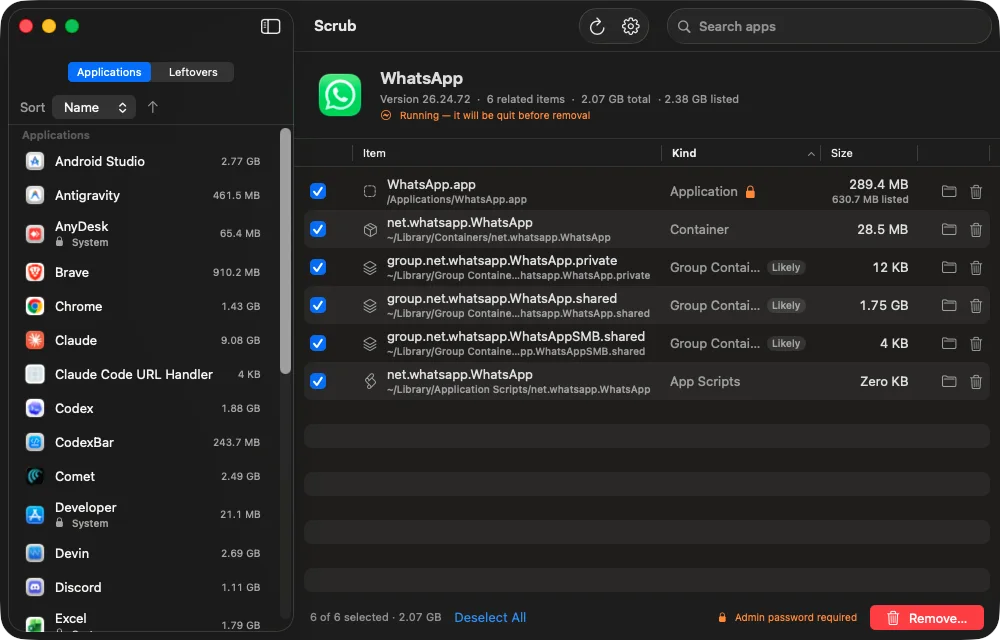
Screenshot of Scrub showing WhatsApp selected with related app files, containers, scripts, and sizes

Latest Version

Scrub 1.6

Apple-notarized direct download, ready for macOS 14.0 or later.

Released
Jun 28, 2026
Build
7
Requires
macOS 14.0+
Size
3.6 MB

What's New

  • Fixed Apple sign-in request mode so Apple accepts name and email scope.
  • Kept the scrubmac.app callback bridge for the direct-download app.
  • Preserved the signed, notarized drag-to-Applications installer flow.
Scrub.dmg3.6 MB installer
Download latest
Two views

Apps and leftovers, separated.

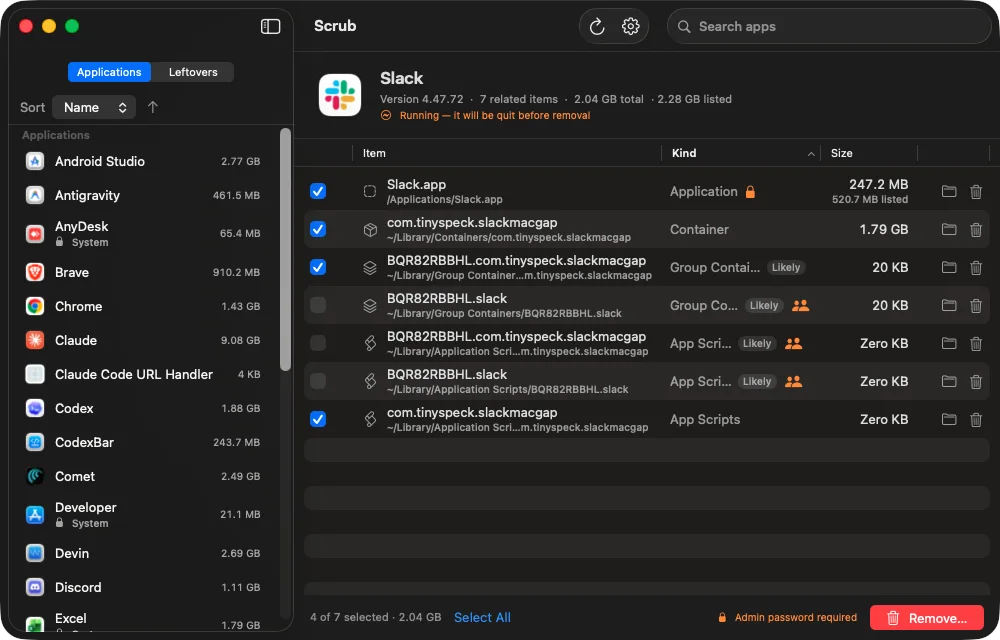
Screenshot of Scrub showing Slack selected with containers, group containers, app scripts, and total disk usage
Applications
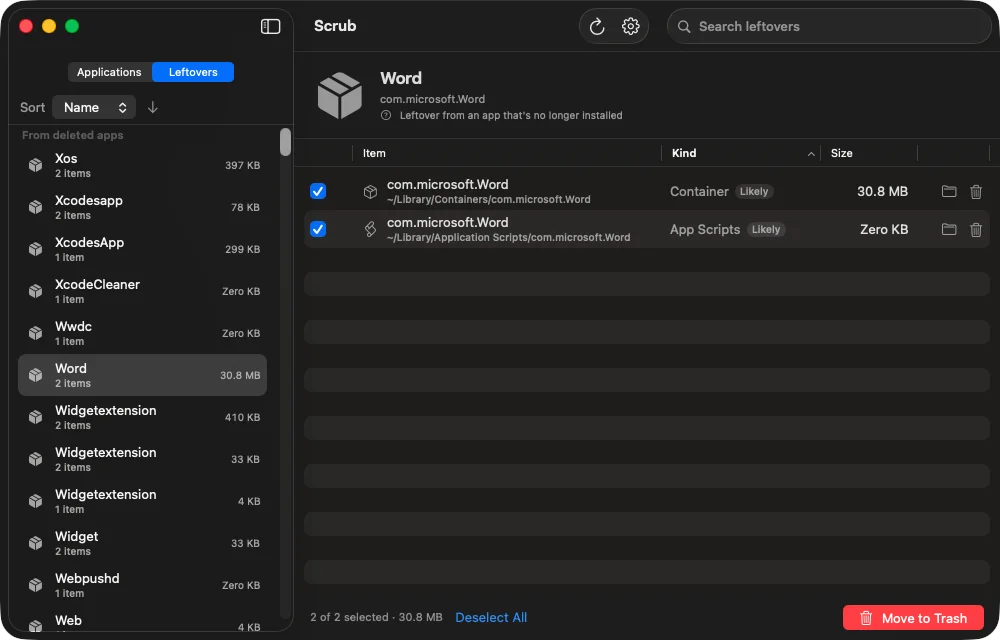
Screenshot of Scrub's Leftovers tab showing orphaned Microsoft Word files selected for removal
Leftovers

Cleaner Uninstalls

Cleaner than dragging apps to Trash.

Scrub groups related files so cleanup stays fast, visible, and reversible.

App + leftovers

Find the bundle, support data, caches, preferences, containers, agents, and helpers together.

Deleted-app scan

Surface orphaned files from apps you already removed, while skipping Apple system paths.

True footprint

See the real size of an app with its related data, not only the .app bundle.

Trash first

Move selected files to Trash first and keep protected macOS paths out of the cleanup.

Private By Design

Local cleanup. Direct download.

Local cleanup

Scrub scans and removes files on-device. The files you choose to delete are not uploaded.

Why direct download

Scrub needs disk access the Mac App Store sandbox does not allow. It ships signed and Apple-notarized.

Questions

Clear answers.

Does Scrub delete files immediately?

No. Selected items move to Trash first, so you can restore them until you empty it.

What does Scrub look for?

The app bundle plus related caches, preferences, containers, support files, launch agents, and helpers.

Does Scrub upload cleanup data?

No. Cleanup happens locally on your Mac; deletion details are not uploaded.

Why direct download?

Scrub needs disk access the Mac App Store sandbox does not allow. The app is Developer ID signed and Apple-notarized.

Uninstall apps the clean way.

Free, private, and Apple-notarized for macOS 14 or later.

Download Scrub for macOS
First launch: if macOS asks, right-click Scrub and choose Open.